
Getting Started
Special
SINGLE SIGN-ON
Teams
Users
Escalation Policies
Service
Incident
Request
On-Call Shift
Schedules
Schedule Override
Logs
API
Webhook
Apps Integration
Reports
Preference
Profile
Automation
Self-Service Portal
Mobile App
SLA
FAQ
Escalation Policy - Create
How to create a new Escalation Policy?
Only the Global Admin/Team Manager can create an Escalation Policy.
- Select New Escalation policy button at the top right of the main window
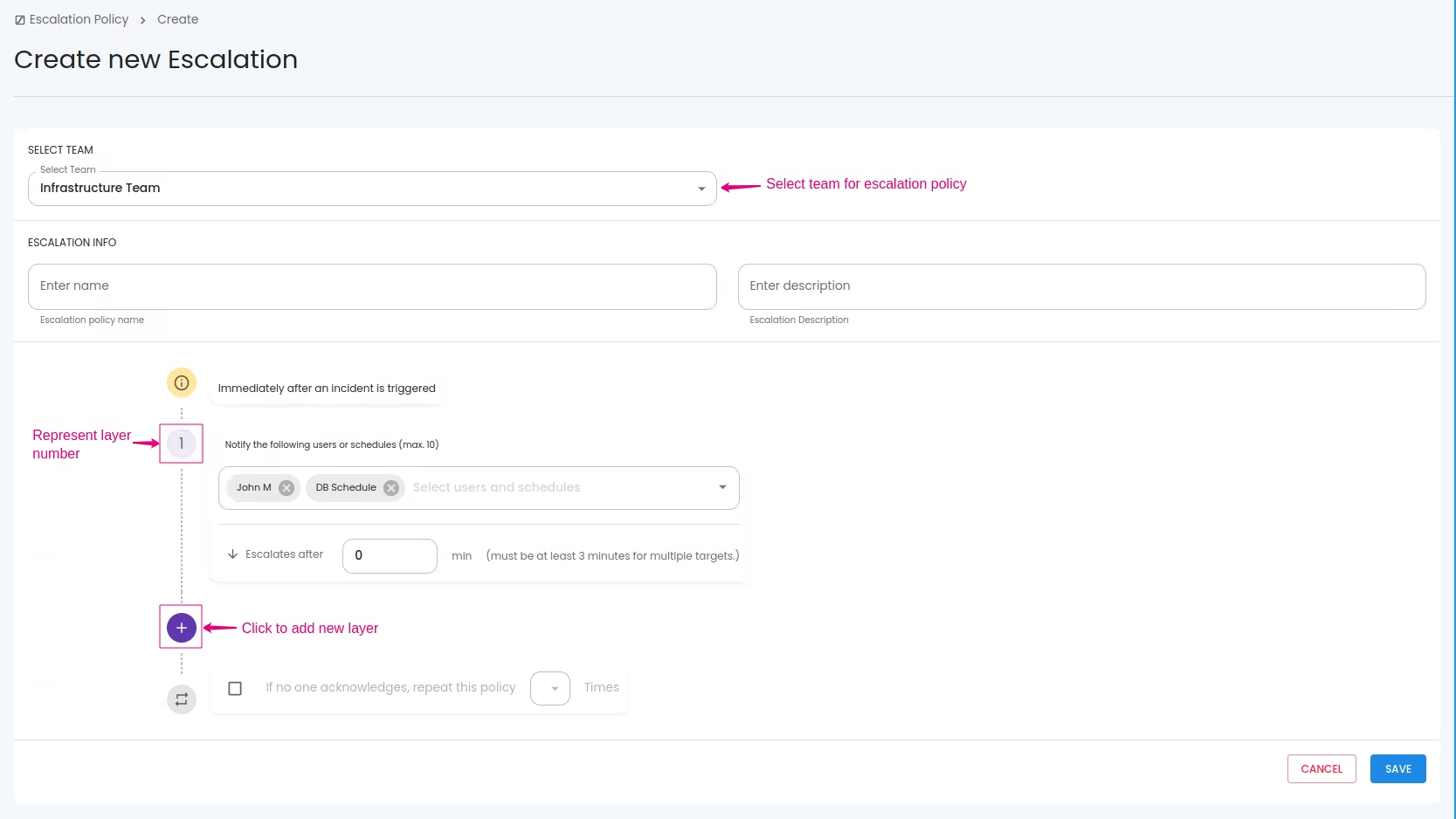
- You can see a new window Configure :
- Name - Name of the Escalation Policy.
- Description (optional)
- Configure the layers(levels) by selecting users and/or schedules.
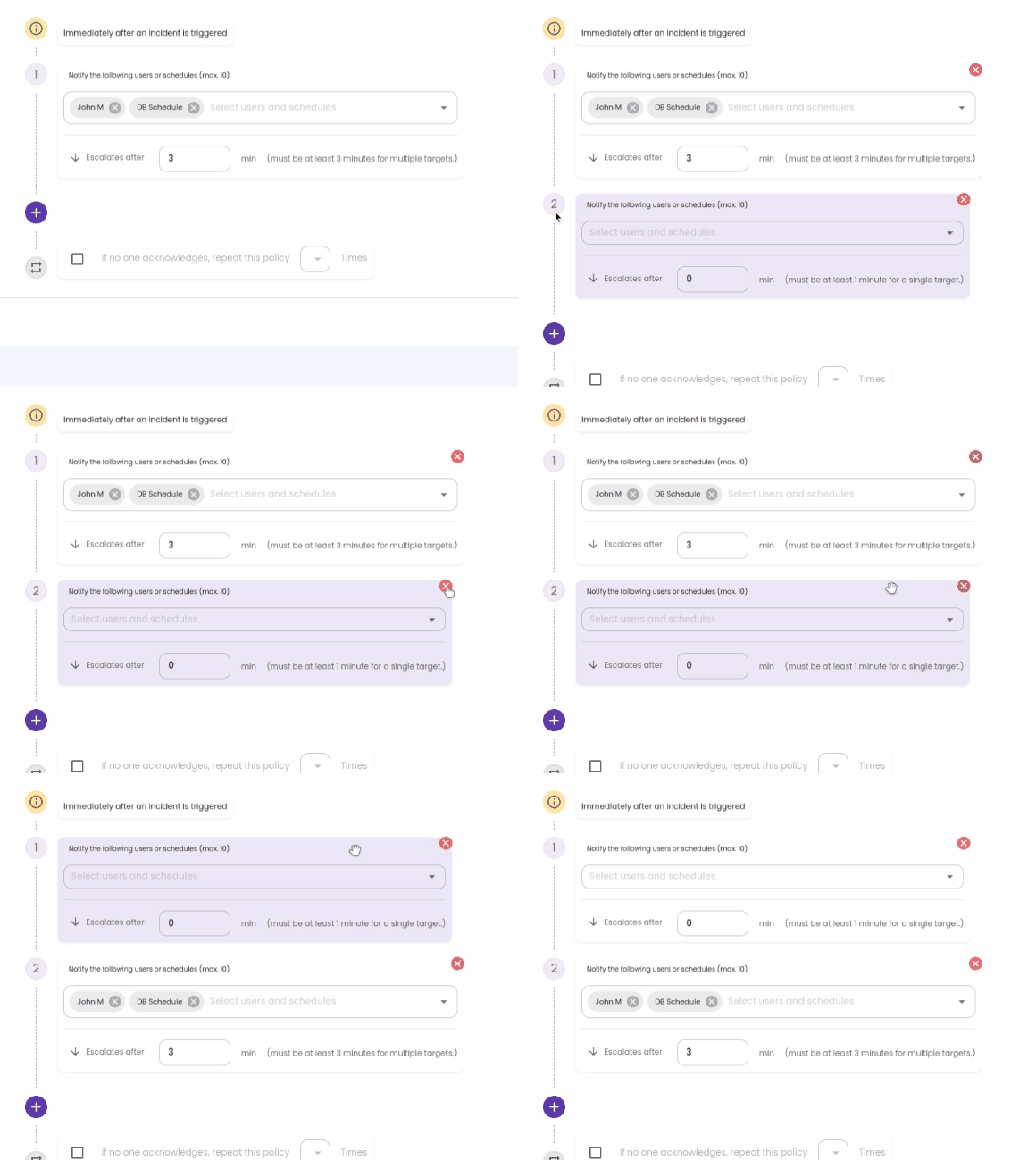
- New level can be added using plus button
Escalate after time out helps to keep the escalation pause up to the specified time so that the user can acknowledge within that time.
Selected Users/Schedules under a level will be notified altogether, when the level reached for an Incident.
Selected Users/Schedules under a level will be notified altogether, when the level reached for an Incident.
If no one acknowledges within the specified escalation and within specified time out, then you can configure to repeat the escalation from start again - Round Robin
- Click the SAVE button.
