
Getting Started
Purchase a Product
Upgrading the Plan
Topup
Credit
Access Management
FAQ
Special
Upgrade with PayPal Subscription
Let's check how you can upgrade or downgrade a plan via a PayPal subscription.
Create PayPal subscription
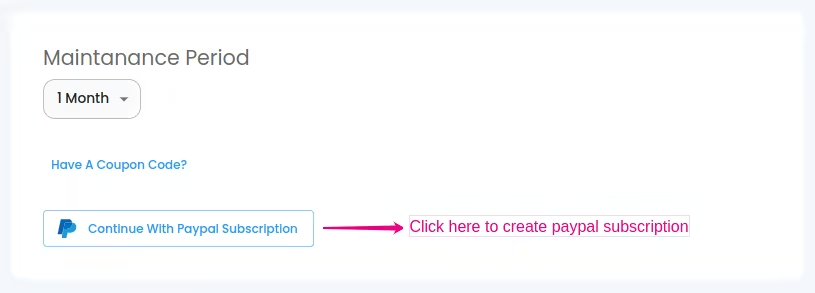
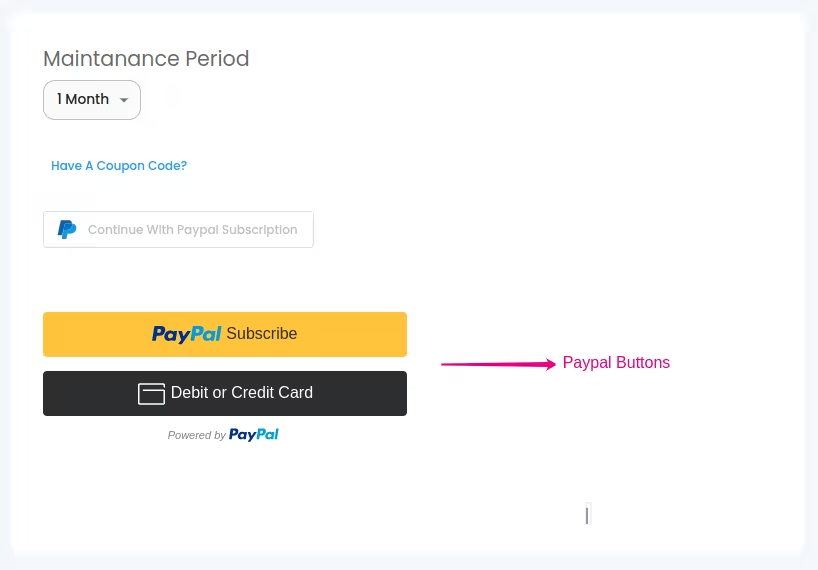
Click on the Continue With PayPal Subscription button to create the subscription, after which you can see PayPal Buttons. Click on that button to continue the PayPal payment. Upon successful completion of payment, you will redirect to a payment success page.
 PayPal payment success
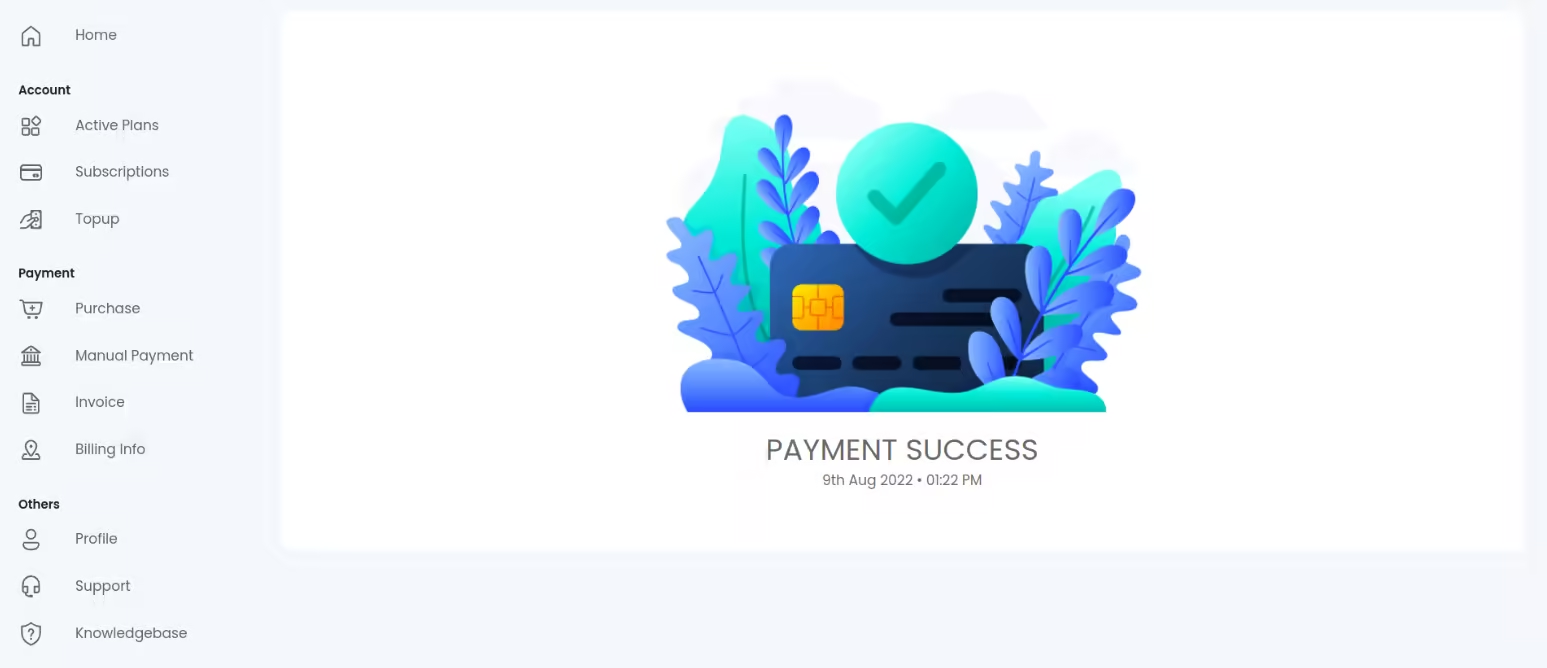
PayPal payment successAfter the completed processing of the payment, you will be redirected to a payment success page as shown below.
 PayPal payment failed or not confirmed
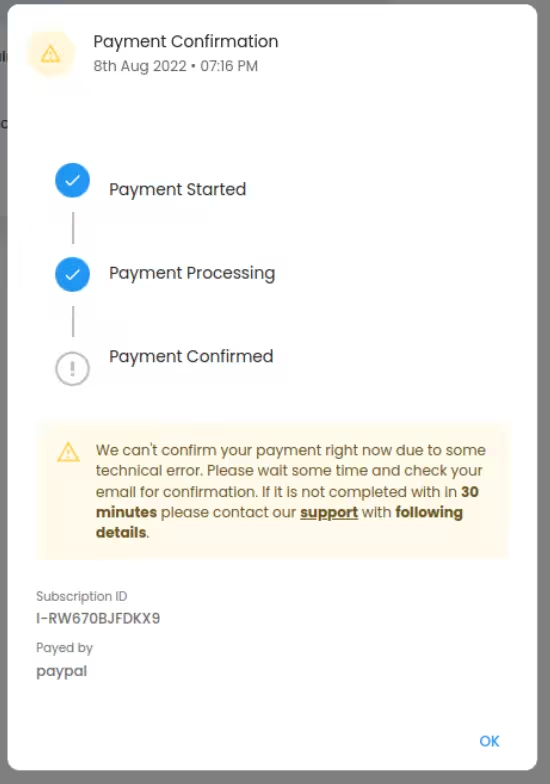
PayPal payment failed or not confirmedSuppose the amount has been deducted from your account and your transaction has not been processed completely. Please wait for some time and check your email for confirmation. If you didn't get the payment confirmation mail within 30 minutes please contact our support team with the following details. Don't forget to note the Subscription ID and Paid by shown on the confirmation page for future reference while contacting support. After getting verified by our support team you can continue to use our product.
 PayPal Help
PayPal HelpWhat happens when the payment renewal process occasionally fails?
- When using PayPal, subscription payments automatically renew and are debited from users' accounts during every subscription period.
- When the payment renewal process occasionally fails, we suspend the subscription from our end for 15 days to prevent the retry attempt following the failure, and we notify the user through the mail of this suspension. The user service is expired at this period. To continue using our service beyond this time, users can either manually select another payment method or wait for reactivation and renewal.
- After 15 days of suspension, we will activate the subscription and the subscription try to renew in the next billing cycle.
- If the user cancels the subscription within these 15 days, it will no longer be active after that 15 days. Otherwise, after activation, the subscription will try to renew itself in the next billing cycle.
