
Getting Started
Purchase a Product
Upgrading the Plan
Topup
Credit
Access Management
FAQ
Special
Purchase a Product
All Callgoose products are purchased based on a pricing plan. The pricing plan determines which features are available.
Purchase
After successful registration of the Callgoose account, you can view the main dashboard, where you can find a Purchase section. It displays both the product specifics and their plan details.
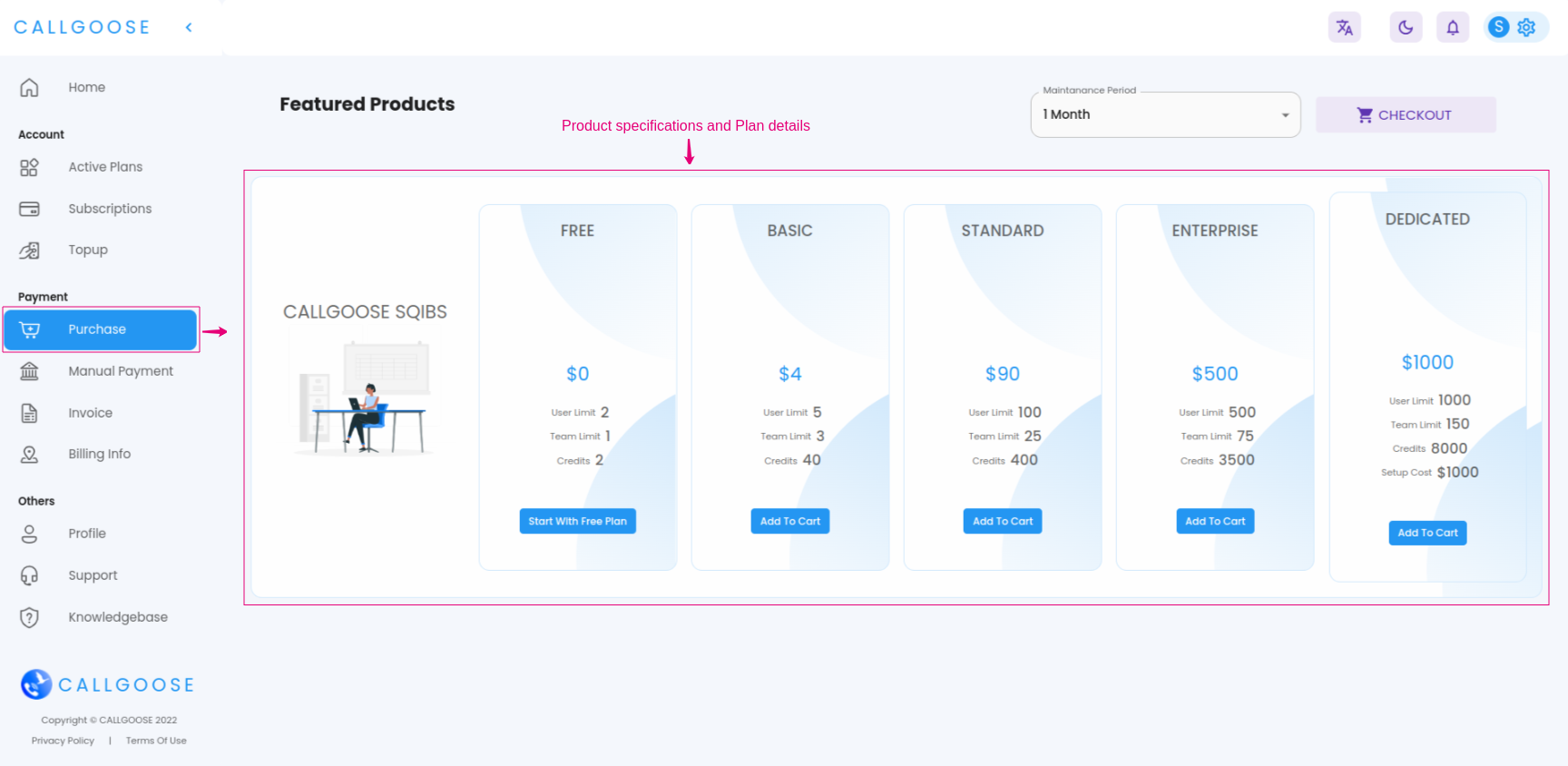
PLANS
Mainly our site provides five types of plans including freemium
- Free (Freemium)
- Basic
- Standard
- Enterprise
- Dedicated
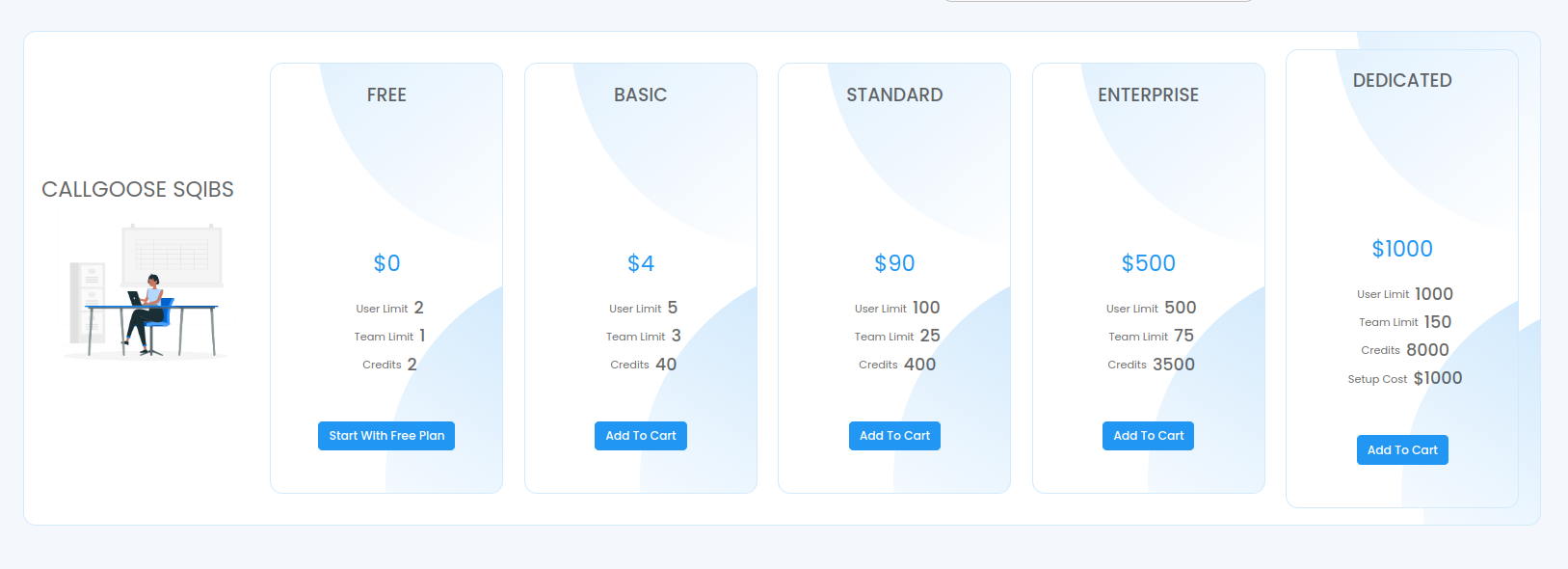
STEPS
1. Select the plan you desire, and click on the Add To Cart button
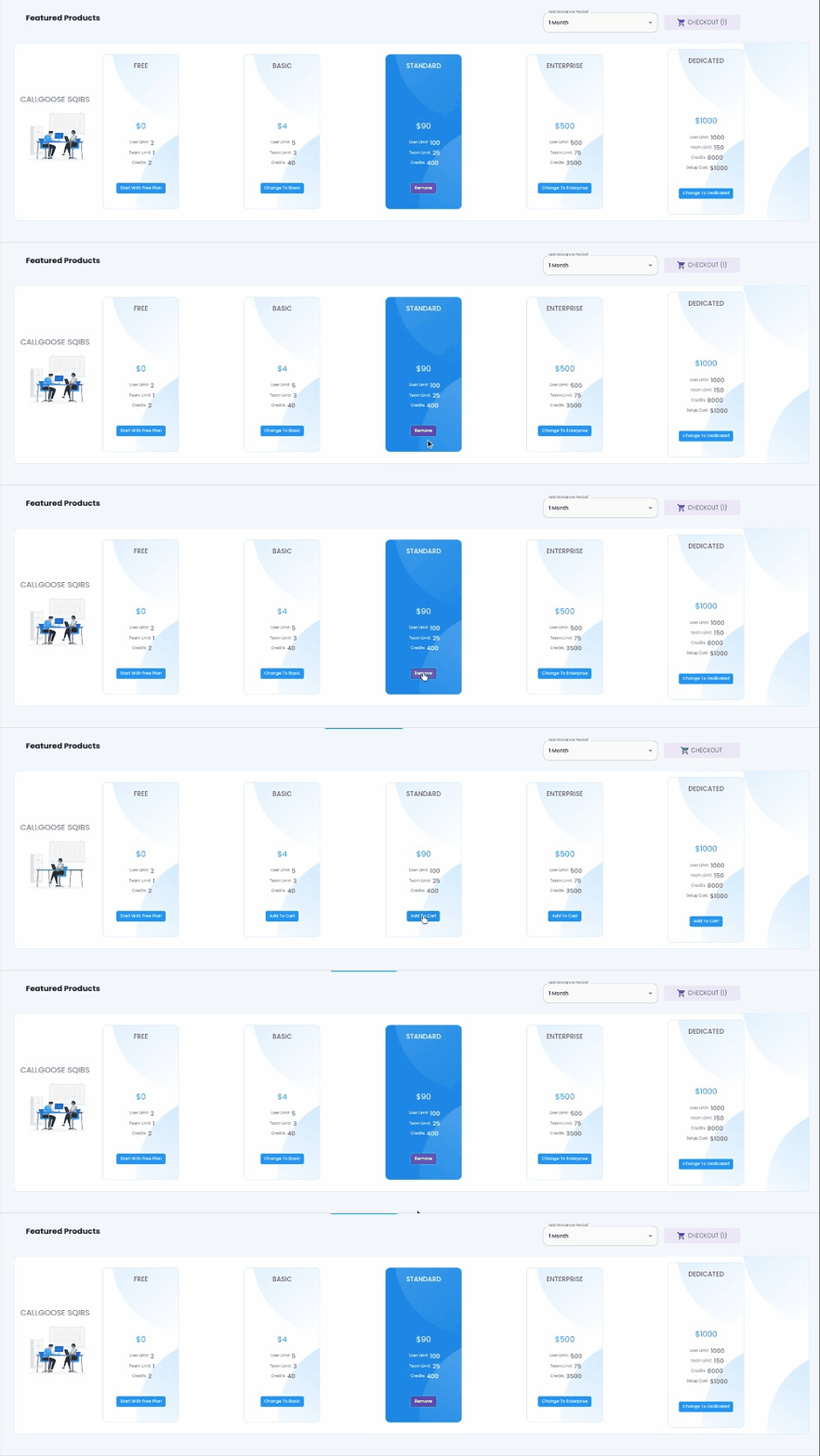
2. Choose the maintenance period. All plans are based on 1 month period. But you can choose other maintenance period, so the plan's expiry can be modified by yourself. For subscription, this Maintenance period is the interval between renewals. The amount and credit will varies depending on the maintenance period.
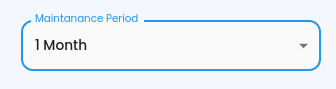
1 Month = 30 Days
1 Year = 365 Days
3. Click the CHECKOUT button in the window's top right corner after choosing the plan and the maintenance duration.
4. Then you will redirect to a three-level stepper section. Where each step are
5. Product List
The product and plan details you selected are presented in the product list section, along with the plan's cost.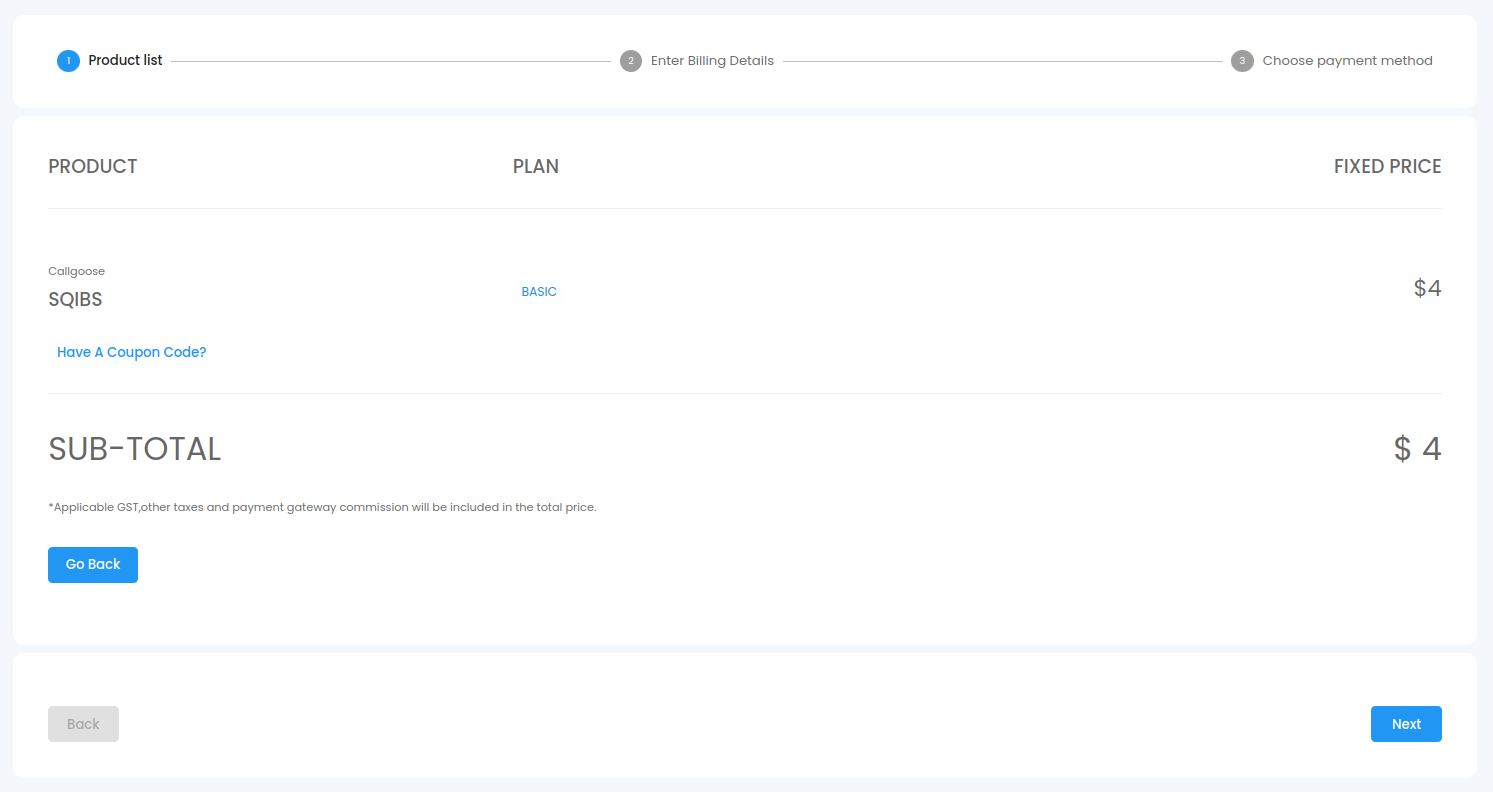
You can apply coupons you may have in this section. 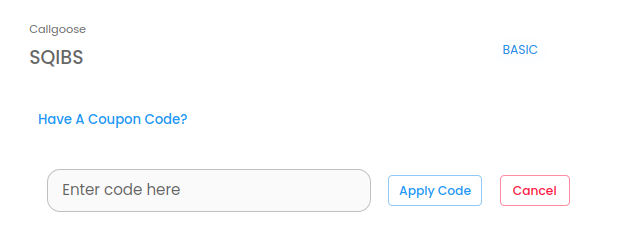
6. Billing Info
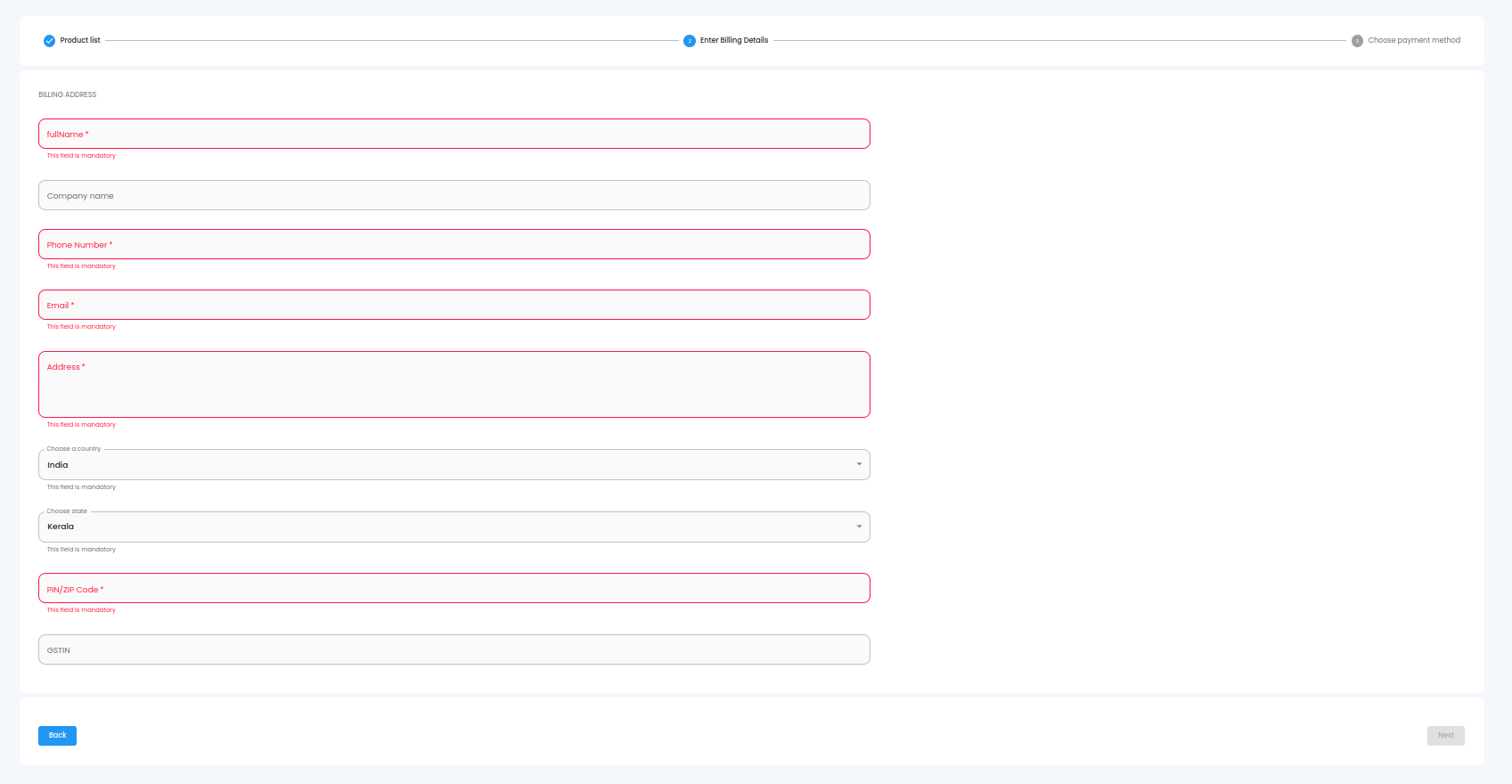
If you've already provided the billing information, it will appear in the billing details section; otherwise, fill it out. Billing info will be automatically saved once you step to the next section. You can also add billing details from the Billing Info tab.
7. Choose payment method
In this section, you can choose a payment method. Callgoose provides you with two types of billing methods. Subscription and Manual payment. We have two payment gateways for subscriptions and thus totally Callgoose uses three different sorts of payment methods in general.
- PayPal(Subscription)
- Stripe(Subscription)
- Manual Payment(One time Payment)
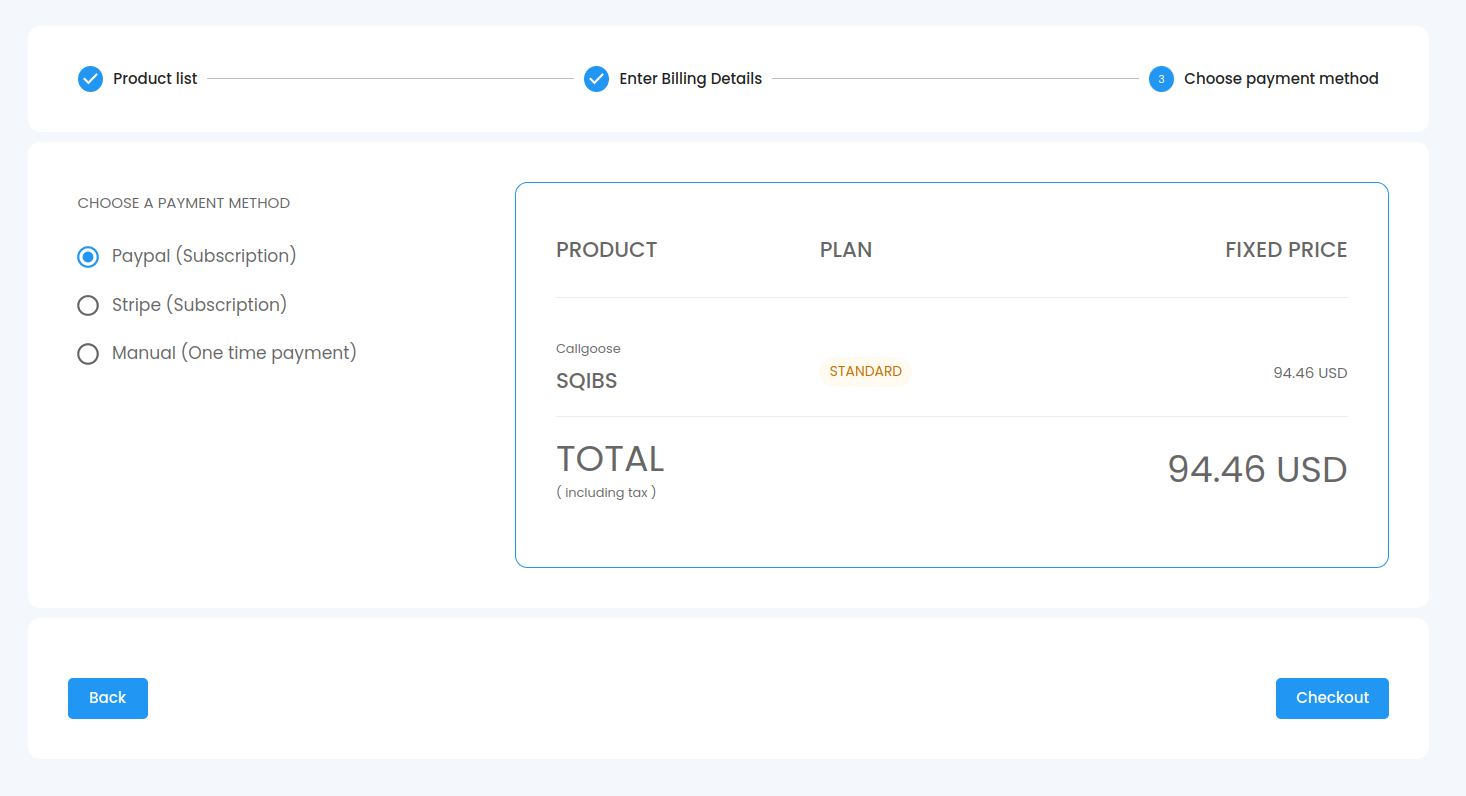
8. Checkout
Click on the Checkout button to create subscription or order based on the payment method chosen
